What Is Google Bigtable? A Complete Guide and the Latest Changes
Mahyar Tolooie ·
·
13 min read
This article was completely rewritten in October 2026 and updated with the latest changes to the service.
When it comes to storing billions of rows of data with single-digit-millisecond latency, Bigtable is one of the first options that comes to data engineers’ minds. Bigtable started as an internal Google storage system on which services such as Search, Google Earth and Google Analytics were built; today the same technology is available to everyone as Cloud Bigtable, a fully managed service on Google Cloud.
In this guide we look at what exactly Bigtable is, how its architecture works, what impact it has had on open-source NoSQL databases, when you should (and shouldn’t) use it, and which new capabilities have been added over the last two years.
Section 1 of 12
What is Bigtable?
Bigtable is a NoSQL database of the wide-column and key-value kind. Google’s original paper defines it as “a sparse, distributed, persistent multi-dimensional sorted map”. Every value in Bigtable is addressed by three components — a row key, a column key and a timestamp — and the value itself is just an array of bytes whose interpretation is left to the application.
Bigtable is not relational: tables have no fixed schema, foreign keys or JOINs in the way traditional SQL databases do. Instead, it is designed for very large volumes: billions of rows, thousands of columns and terabytes to petabytes of data, with high read and write throughput and low latency.
A short history
Development of Bigtable at Google began in 2004.
In 2006 the famous paper “Bigtable: A Distributed Storage System for Structured Data” by Fay Chang, Jeffrey Dean, Sanjay Ghemawat and colleagues was published at OSDI 2006. According to the paper, projects such as web indexing, Google Earth and Google Finance stored their data in Bigtable.
On May 6, 2015 Google introduced the public version, Cloud Bigtable, as a beta on Google Cloud Platform, with the standard Apache HBase API.
Section 2 of 12
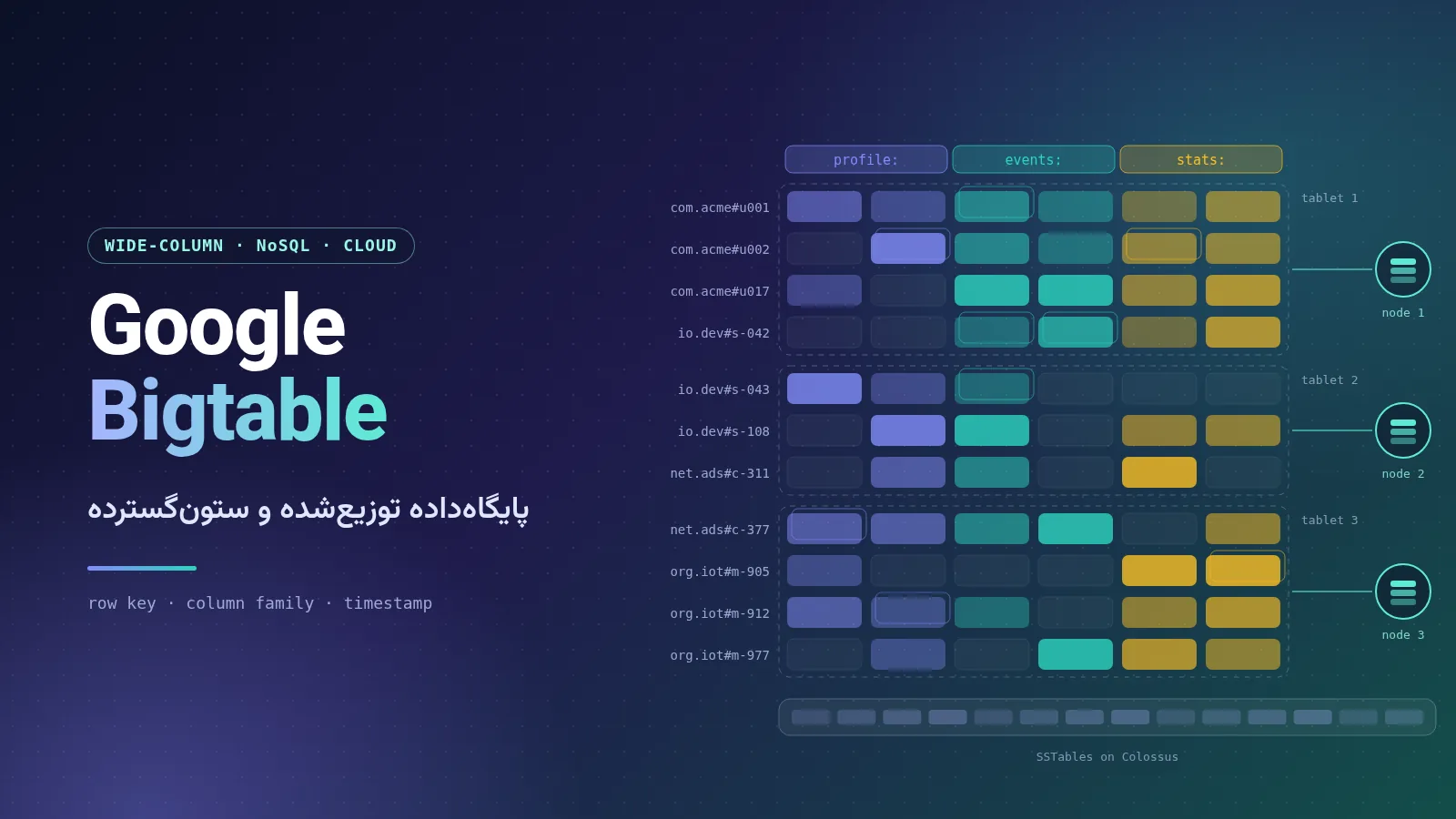
Data model: rows, column families and versions
Understanding the data model is the most important step in working with Bigtable, because good key design directly affects performance.
Table: each table is a sorted key-value map.
Row key: the only indexed value in a row. Rows are stored in lexicographic order of their row keys.
Column family: a group of related columns. Column families are usually defined up front, and policies such as garbage collection are applied to them.
Column qualifier: the name of a column inside a column family; columns can be added dynamically without changing the schema.
Cell and timestamp: the intersection of a row and a column can hold several cells, each a version of the data with a unique timestamp, so the history of a value can be kept as well.
Sparseness: a column that is not used in a row takes up no space at all.
Tablet: each table is split into blocks of contiguous rows called tablets (similar to regions in HBase).
The classic example from the Bigtable paper is storing a copy of the web: the row key is the reversed URL of the page (for example com.cnn.www), one column holds the page contents, and several versions with different timestamps show what the page looked like at different crawl times.
Section 3 of 12
How does Bigtable’s architecture work?
In Cloud Bigtable, all client requests first reach a frontend server and are then routed to a node (called a tablet server in the original paper). Nodes are organized into a cluster, and a cluster belongs to an instance.
Separation of compute and storage
The key point of the architecture is that data is never stored on the nodes themselves. Tablets are kept in the SSTable format on Colossus (the successor of the Google File System), and each node merely points to a set of tablets. An SSTable is a persistent, ordered, immutable map from keys to values. Writes are recorded in Colossus’s shared log as soon as they are acknowledged. As a result:
Moving tablets between nodes is very fast, because no data is copied — only pointers are updated.
Recovery after a node failure is fast and no data is lost.
Adding nodes increases request throughput almost linearly.
SSTables, the LSM structure and Chubby
Bigtable uses a pattern that later became known as the LSM tree (log-structured merge): writes are first recorded in a log and in memory (the memtable), then turned into immutable SSTable files that are merged over time (compaction). The same idea was later used in LevelDB, RocksDB, HBase and Cassandra. In the original design, the Chubby distributed lock service was used to manage the master, discover tablet servers and store schema information.
Load balancing and hotspots
A management process in each zone automatically splits busy or large tablets, merges small ones and moves them between nodes. Even so, row key design remains critical: keys that increase monotonically over time (such as a timestamp at the start of the key) send all writes to a single tablet and create a hotspot. The official recommendation is to spread writes as evenly as possible while keeping related rows next to each other.
Section 4 of 12
Bigtable’s impact on the NoSQL world
The Bigtable paper, together with the GFS and MapReduce papers, was one of the foundations of the Big Data movement:
Apache HBase is essentially a direct open-source implementation of Bigtable on top of HDFS; that is why Cloud Bigtable launched with HBase API compatibility from day one.
Apache Cassandra took its wide-column data model and SSTable-based storage engine from Bigtable, and its masterless distributed architecture from Amazon Dynamo.
Bigtable’s ideas can also be seen in projects such as Apache Accumulo and in LSM storage engines such as LevelDB (which also came out of Google).
Interestingly, the road now runs the other way: in recent years Bigtable has offered tools for migrating Cassandra applications directly to it (details in the latest-changes section).
Section 5 of 12
Cloud Bigtable: the managed service on Google Cloud
Cloud Bigtable is the same engine Google uses internally, with the infrastructure managed by Google Cloud. Its most important features, according to the official documentation:
Linear scalability: throughput grows in proportion to the number of nodes.
Resizing without downtime: a cluster can be scaled up for a few hours and then scaled back down.
Autoscaling: automatic CPU monitoring and adjustment of the number of nodes (generally available since December 2021).
Replication: adding a second cluster starts replication automatically and enables failover between clusters and regions; availability of up to 99.999% per the SLA, depending on the replication and routing configuration.
Change streams: real-time capture of table changes for processing or delivery to BigQuery and Pub/Sub (generally available since July 2023).
Data Boost: serverless compute for heavy analytical reads and queries without affecting the application’s main cluster.
Ecosystem: clients for Java, Python, Go and more, HBase compatibility, connectors for Spark, Kafka, Flink and Dataflow, and integration with BigQuery.
According to the editions comparison table, each SSD node supports up to roughly 17,000 reads and 14,000 writes per second with latency below 5 ms.
Pricing model (in general terms)
Bigtable’s cost has three main components:
Compute: the number of provisioned nodes, billed hourly (even when the cluster is idle). The node rate depends on the edition: Enterprise or Enterprise Plus.
Storage: the volume of stored data in GiB; the storage type (SSD, HDD or tiered storage) affects the rate.
Network: the egress bandwidth used.
Data Boost and backups are billed separately, and one- and three-year committed use discounts (CUDs) are available. Prices vary by region; for exact figures see the official pricing page or the Pricing Calculator.
Section 6 of 12
Latest changes and updates (2024–2026)
Over the last two years Bigtable has evolved from a pure key-value database into a platform with SQL, continuous views and AI capabilities. The items below are taken from the official release notes and the Google Cloud blog; dates are those announced in the source.
2024
April 2024 — Authorized views (GA): access control for a subset of a table’s data.
April 2024 — Distributed counters (Preview): aggregation at write time; reached general availability (GA) in August 2024 with min, max, sum and HLL functions.
April 2024 — Data Boost (Preview) and LangChain integration (Preview).
May 2024 — Spark connector (GA): reads and writes with Spark SQL and DataFrames.
August 2024 — SQL for Bigtable (Preview): running queries with GoogleSQL.
August 2024 — Reverse ETL (GA): moving data directly from BigQuery to Bigtable with the EXPORT DATA statement.
September 2024 — Vector search: similarity search with K-nearest neighbors as an SQL preview.
2025
February 2025 — Data Boost (GA): serverless compute for large read jobs.
April 2025 (at Google Cloud Next ’25) — SQL became generally available, together with UNPACK for reading time-series data in tabular form; continuous materialized views and logical views were introduced in preview.
April 2025 — Kafka sink (GA) for connecting Apache Kafka directly, and the Cassandra-Bigtable proxy adapter (Preview) for connecting Cassandra applications using CQL.
April 2025 — KNN vector search (GA).
June 2025 — Data Boost for analyzing Bigtable data in BigQuery (GA), without affecting application clusters.
July 2025 — Logical views (GA).
October 2025 — Cassandra proxy adapter (GA), introduction of tiered storage (Preview) for cheaper storage of rarely used data, and a vector store for LangChain.
December 2025: support for up to five continuous materialized views per table, including for building asynchronous secondary indexes.
2026
February 2026: Flink connector 0.3.2 with support for Apache Flink 2.1.0; an MCP server for the Admin API (Preview); and a migration guide from Vertex AI Feature Store (Legacy) to Bigtable.
March 2026: Bigtable tools in the Agent Development Kit (ADK) became generally available.
April 2026 — Protobuf schemas and JDBC driver (GA): queries over fields of stored Protobuf messages and connectivity for reporting tools.
April 2026 — SQL extensions: geography functions, pipe syntax and window functions (all GA), plus Gemini assistance for writing SQL in Bigtable Studio (Preview).
April 2026 — Continuous materialized views (GA) and a remote MCP server (GA) that lets LLMs and AI agents interact with Bigtable.
April 2026 — Bigtable editions (GA): two editions named Enterprise and Enterprise Plus. Enterprise Plus adds an in-memory tier with sub-millisecond read latency (Preview), tiered storage of up to 64 TB per node (instead of 32 TB) and GoogleSQL execution with Data Boost.
April 2026 — Bigtable subscriptions for Pub/Sub (Preview): writing streamed messages directly into a table without Dataflow.
May 2026: migration tools from Aerospike (Preview) and backup retention of up to 365 days in Enterprise Plus.
July 2026: direct connectivity that bypasses the frontend to improve performance for eligible traffic; and Bigtable as a storage backend for LMCache, for sharing the KV cache of large language models (Preview).
August 2026 — Parameterized views (GA): dynamic data filtering based on application parameters, reducing the risk of SQL injection.
October 2026: support in the Google Cloud Data Agent Kit (GA) for browsing tables, designing schemas and running GoogleSQL from inside an IDE or a coding agent.
Section 7 of 12
A practical example
With the cbt command-line tool, after a simple setup you can create a table, add a column family and write and read data in just a few commands:
# point cbt at your project and instance (once)
echo project = my-project >> ~/.cbtrc
echo instance = my-instance >> ~/.cbtrc

# create a table and a column family
cbt createtable my-table
cbt createfamily my-table cf1

# write two versions of the same cell, then read them back
cbt set my-table r1 cf1:c1=test-value1
cbt set my-table r1 cf1:c1=test-value2
cbt read my-table
And with GoogleSQL you can query the same data. In SQL, the special _key column is the row key, and each column family appears as a MAP. The example below returns the state of the sensors at a specific moment in the past:
SELECT _key AS location,
       alarmType['carbonMonoxide'] AS co_sensor
FROM alarms(as_of => TIMESTAMP('2023-04-01T09:00:00.000Z'))
WHERE _key LIKE 'building1%'
  AND alarmType['smoke'] = 'on';
Section 8 of 12
Common use cases
Time-series and IoT data: server CPU and memory usage, readings from energy meters and smart devices.
Ad tech and marketing: purchase histories, user preferences and real-time profiles for ad targeting.
Financial data: transaction histories, stock prices and exchange rates.
Personalization and machine learning: feature stores, recommendation systems and, more recently, vector search and the KV cache of language models.
Graph data: how users are connected to each other.
Section 9 of 12
Bigtable compared with BigQuery, Spanner and Firestore
Feature
Bigtable
BigQuery
Spanner
Firestore
Type
Wide-column and key-value NoSQL
Analytical data warehouse
Globally distributed relational
Document-oriented NoSQL
Main workload
High-throughput operational, time series, real-time analytics
Analytics (OLAP) on huge data volumes
Transactional (OLTP) with strong consistency
Web and mobile apps
Query language
Key-value API, GoogleSQL, HBase and CQL
Full GoogleSQL
GoogleSQL and PostgreSQL
SDKs and document queries
Transactions
Atomic at the single-row level
Suited to analytical work, not OLTP
Full, distributed ACID
ACID transactions across multiple documents
Latency
A few milliseconds; sub-millisecond with the in-memory tier
Seconds to minutes
Milliseconds
Milliseconds
Scalability
Add nodes, up to petabytes
Serverless
Horizontal and global
Serverless
Best for
IoT, ad tech, finance, personalization
Reporting, BI and machine learning
Global financial, inventory and booking systems
Small to medium apps with real-time sync
Section 10 of 12
When should you use Bigtable — and when not?
It is a good fit if…
you have a lot of data (typically several terabytes or more) and need high read/write throughput with low latency;
data is accessed mostly by key or by a range of keys;
you have time-series data, events or user profiles with a flexible schema;
you want to migrate from self-managed HBase or Cassandra to a managed service.
It is not a good fit if…
you need multi-row and multi-table transactions and complex JOINs (Spanner or Cloud SQL is better);
your workload is mainly ad hoc analytics and reporting over the whole dataset (BigQuery is a better choice);
your data volume is small: the fixed cost of nodes is not economical for small projects;
individual values are very large: the official documentation generally recommends keeping values to at most about 10 MB.
Section 11 of 12
Conclusion
Bigtable has grown from an internal Google system — whose paper inspired HBase and Cassandra — into one of the most complete managed NoSQL databases. Its backbone is still the same simple yet powerful set of ideas: sorted row keys, column families, timestamp-based versioning, distributed tablets and the separation of compute from storage on Colossus.
But today’s Bigtable is no longer just a key-value store: GoogleSQL, continuous materialized views, Data Boost, Cassandra compatibility, tiered storage and the in-memory tier, vector search and tools built for AI agents make it ready for a new generation of real-time and AI-driven applications. If you work with large volumes of key-based data, Bigtable remains one of the most serious options — provided you take row key design seriously.
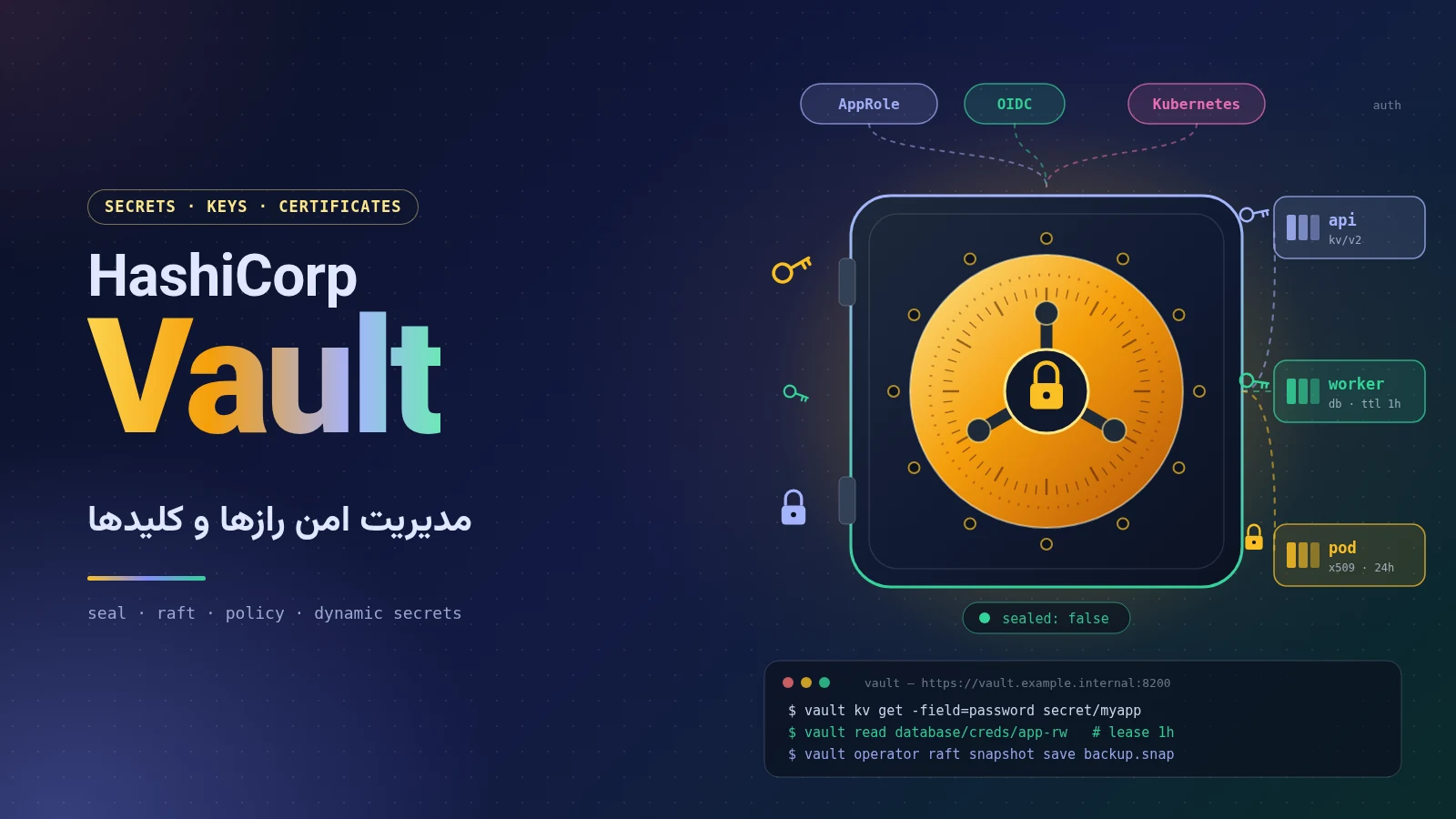
A complete, practical guide to managing secrets with HashiCorp Vault: history, the move to BSL, OpenBao and IBM’s acquisition of HashiCorp, seal/unseal and Raft, tokens and policies, AppRole and Kubernetes, dynamic secrets, PKI and Transit, a Docker Compose setup with TLS, Spring Boot integration and a production checklist.
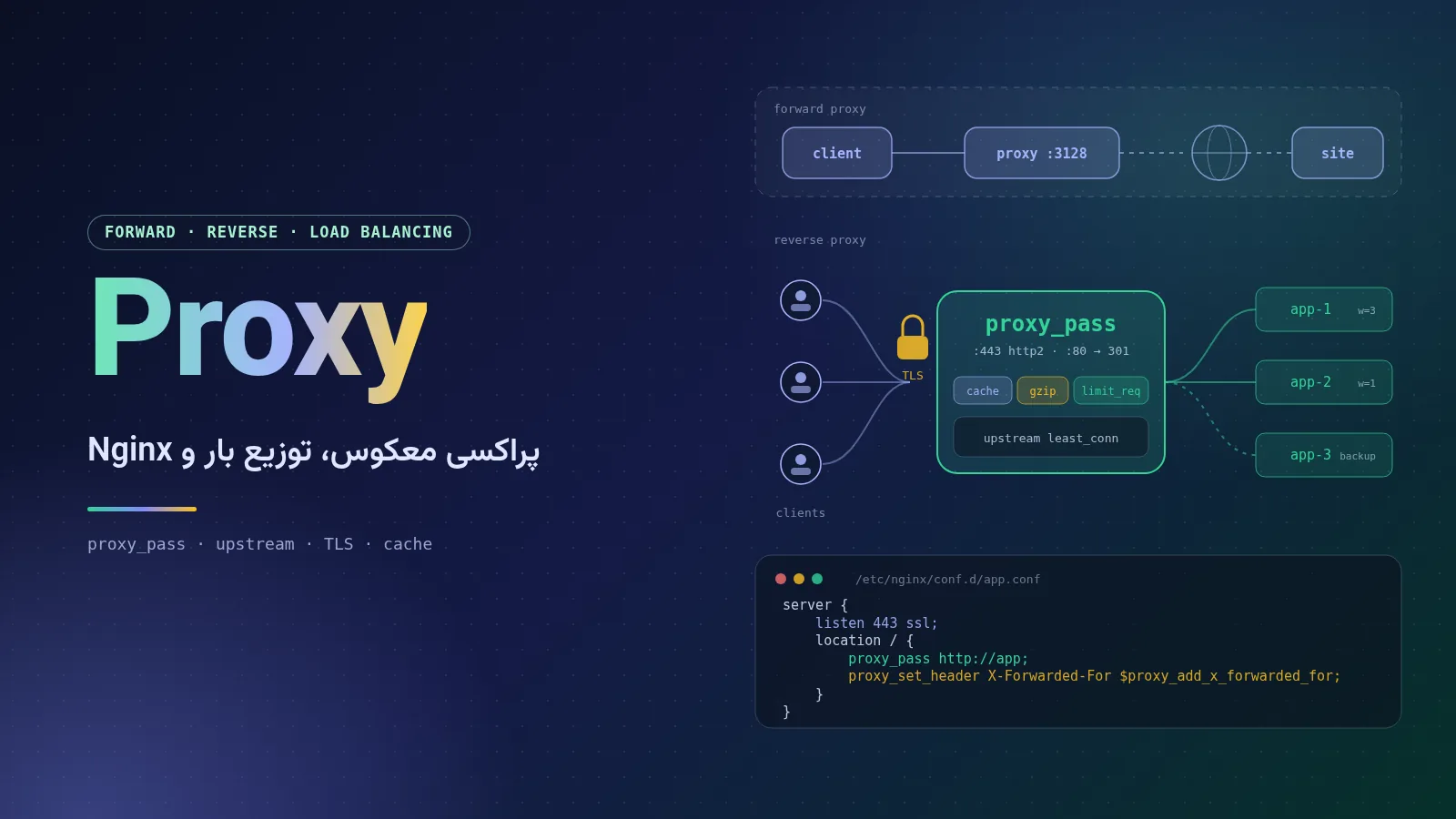
A complete, plain-language guide to proxy servers: forward, reverse and transparent proxies, HTTP and SOCKS, load-balancing algorithms, and a full Nginx tutorial covering installation, configuration structure, reverse proxying, SSL with Let's Encrypt, WebSocket, caching, rate limiting, security headers and troubleshooting 502 and 504 errors.
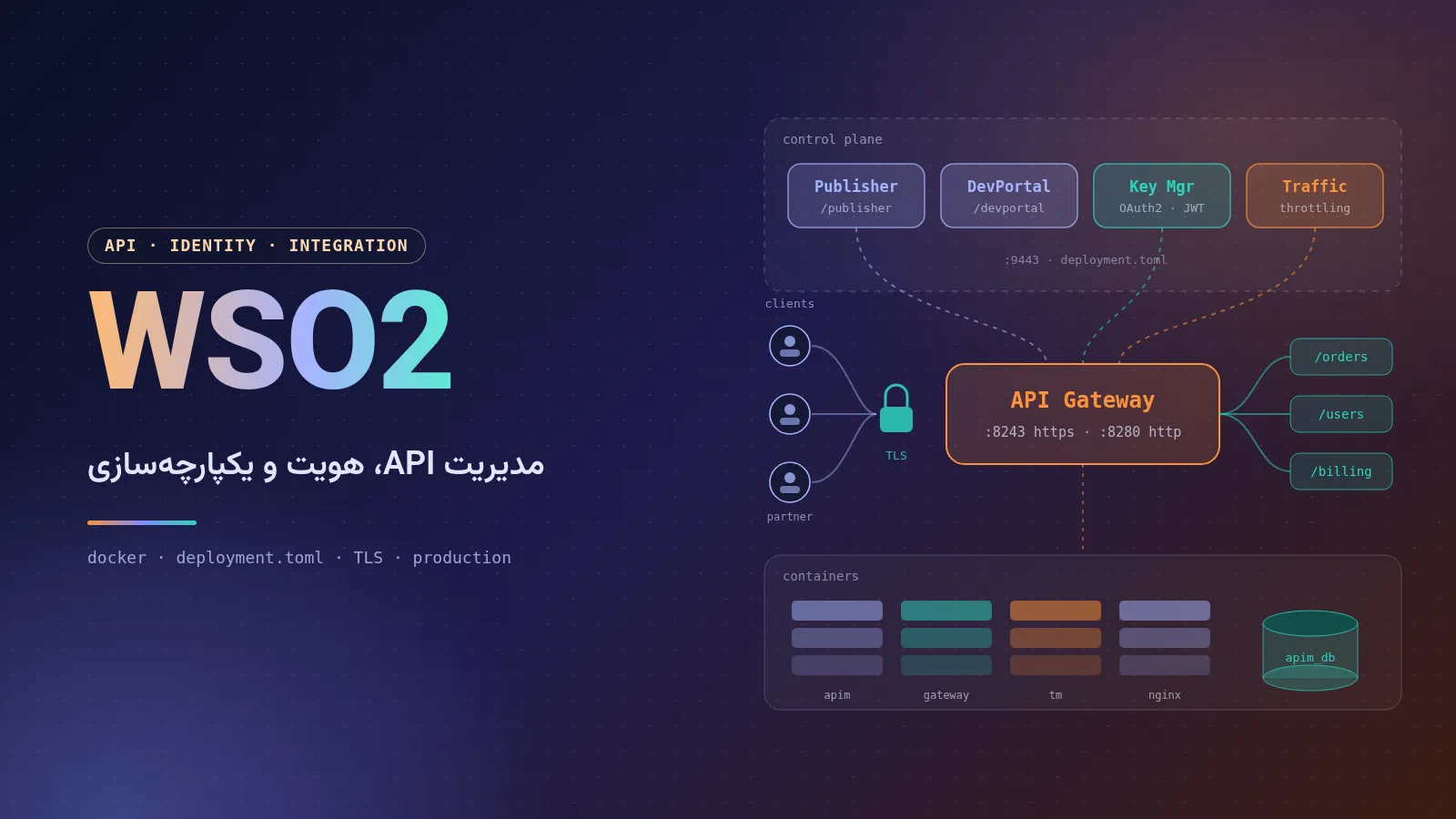
A complete, practical guide to WSO2: the company and its products, the architecture of API Manager 4.7, installation with Docker and Docker Compose, configuring deployment.toml, SSL with Let's Encrypt and Nginx, production deployment tips and a comparison with competitors.
Comments No comments yet
To leave a comment, open this page in a web browser.